3D Lidar
Three dimensional LiDARs provide a pointcloud of all points detected by several planar scanners at various angles, which is published as a sensor_msgs/PointCloud2 message. It is important to accurately position the LiDAR in the visual description of the robot to ensure that the scanned points are accurate with respect to the robot.
Supported 3D Lidars
Ouster OS1
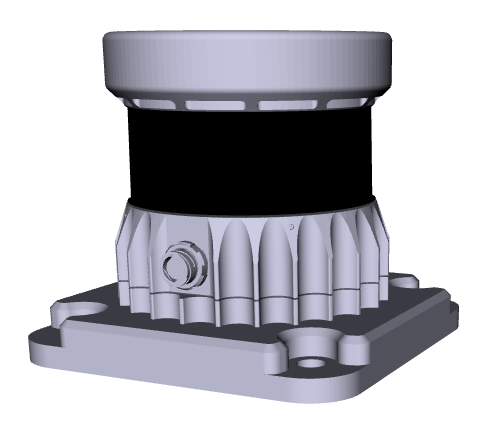 | |
Package and Setup
Ouster lidars use the ouster_ros driver. This is
an open-source driver, maintained by the manufacturer.
For more specifics on the way Clearpath's configuration system launches the ouster_ros nodes,
see the Ouster launch file
and the default parameter file
in clearpath_sensors.
Base & Cap
The Ouster lidar can be configured with different base and cap options:
base_type: one ofbase(default) ornone.cap_type: one ofhalo(default) orfins.
The table below shows all combinations of base and cap options:
| cap_type | |||
|---|---|---|---|
| halo | fins | ||
| base_type | base | 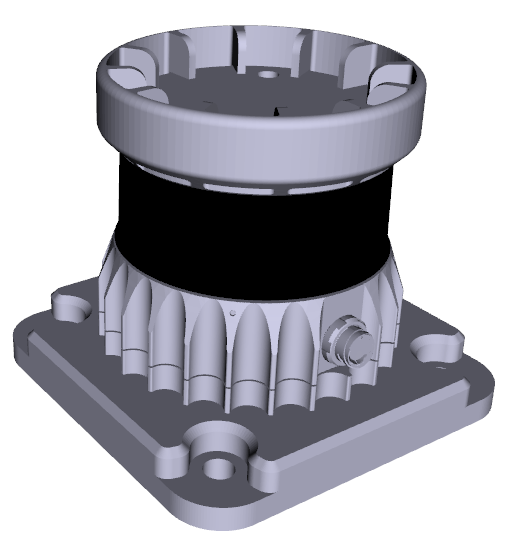 | 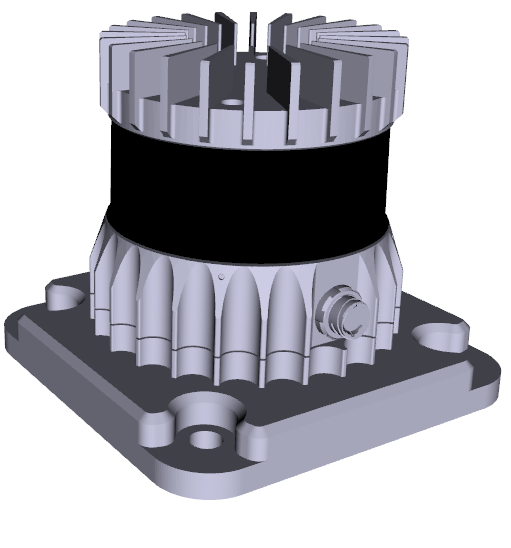 |
| none | 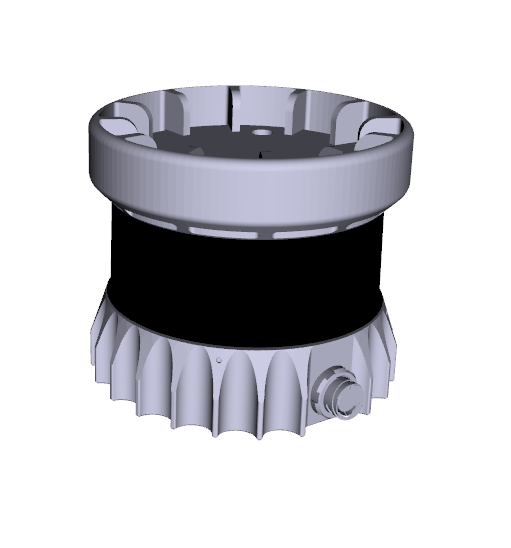 | 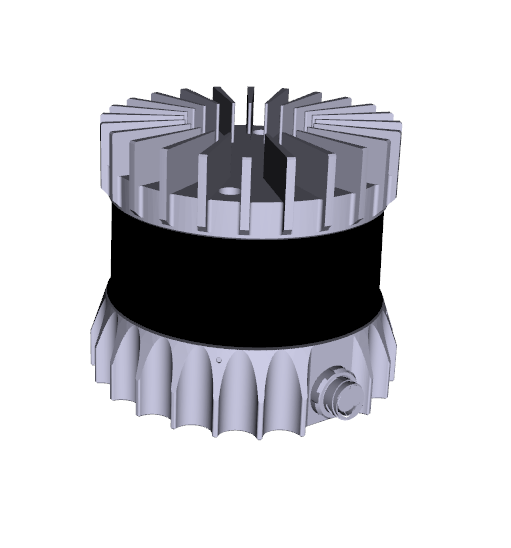 | |
Seyond Robin W
 | |
Mesh-Only Support
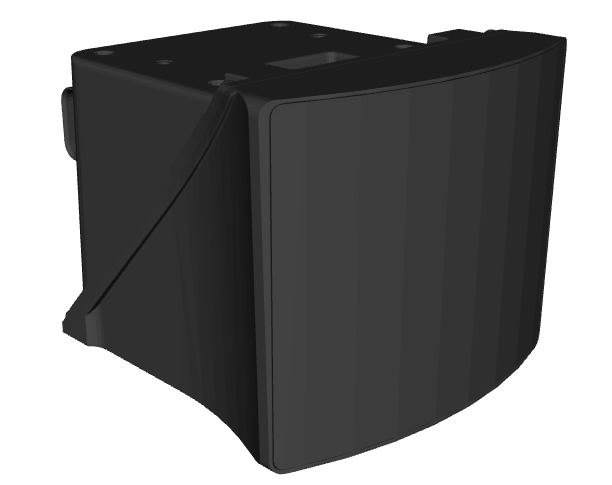
The Seyond Robin W is only supported as a mesh in robot.yaml; it is intended to be managed by Clearpath's
OutdoorNav software, which uses its own set of drivers and launch files that do not directly integrate with
the robot configuration yaml.
Velodyne Lidar
 | |
Package and Setup
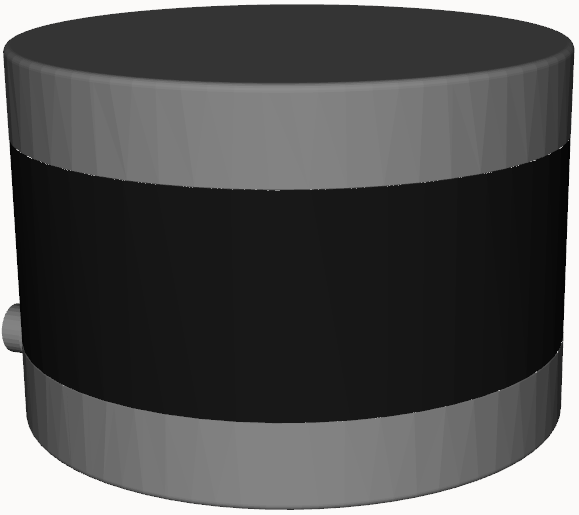
The Velodyne LiDARs use the velodyne_driver ROS 2 Package. The driver is open source, maintained by the ROS community, and hosted on GitHub. Unlike other drivers, the visual description of the device is hosted in a separate repository. The description package, along with the simulator, is maintained by Dataspeed and hosted on BitBucket.
For more specifics on the way Clearpath's configuration system launches the velodyne_driver, see the Velodyne launch file and the default parameter file in clearpath_sensors.
Model
There are several types of Velodyne LiDAR. To switch between these, the model parameter must be set under the both the velodyne_driver_node and the velodyne_transform_node, and the calibration parameter must be set under the velodyne_transform_node.
| Name | Model | Calibration |
|---|---|---|
| Puck | "VLP16" | "VLP16db.yaml" |
| Puck Hi-Res | "VLP16" | "VLP16_hires_db.yaml" |
| Ultra Puck | "32C" | "VeloView-VLP-32C.yaml" |
| VLS-128 | "VLS128" | "VLS128.yaml" |
| HDL-32E | "32E" | "32db.yaml" |
| HDL-64E | "64E" | "64e_utexas.yaml" |
| HDL-64ES2 | "64E_S2" | "64e_s2.1-sztaki.yaml" |
| HDL-64ES3 | "64E_S3" | "64e_s3-xiesc.yaml" |
When setting the calibration parameter, prepend the path /opt/ros/jazzy/share/velodyne_pointcloud/params/ to the calibration file name in the table above.
Hesai Lidar
 | |
Package and Setup
The Hesai LiDAR uses the hesai_ros_driver ROS 2 driver. The driver is open source, maintained by Hesai Technology,
and hosted on GitHub - HesaiLidar_ROS_2.0. The hesai_ros_driver
nodes depend on the HesaiLidar_SDK_2.0. The hesai_ros_driver
ROS2 package and SDK are not installed by ROS dependencies and need to be built against the specific version
installed on your computer. Therefore, you will have to install these manually by following the instructions in the
HesaiLidar_ROS_2.0 repository.
The hesai_ros_driver only accepts one single ROS parameter which is config_path as shown above.
The config_path points to a configuraiton file formated as shown in the HesaiLidar_SDK_2.0 config.yaml.
Each Hesai LiDAR must be listed first under lidar3d in the robot.yaml file and provide a different
the config_path. Each Hesai LiDAR must point to a unique config.yaml.
For the first Hesai LiDAR listed in the robot.yaml the following parameters in the config.yaml
must be modifed as shown:
lidar:
  - driver:
    ...
      lidar_udp_type:
        device_ip_address: 192.168.131.25
        ...
        multicast_ip_address: 192.168.131.1
    ...
    ros:
      ros_frame_id: lidar3d_0_laser
    ...
Any additional Hesai LiDAR should increment the device_ip_address (first lidar ip = 192.168.131.25, second lidar ip = 192.168.131.26, etc.)
along with the ros_frame_id (first lidar frame ID = lidar3d_0_laser, second lidar frame ID = lidar3d_1_laser, etc.)
The IP of the physical Hesai LiDAR must be updated as well. See the User Guide for the XT32 Hesai Lidar that can be downloaded here: https://www.cratustech.com/downloads/.
The change of multicast_ip_address should be set according to the Reserved IP Addresses.
The value of 192.168.131.1 should be used if the hesai lidar is connected to the Primary Computer.
The user can change any other parameter in the config.yaml based on their own use case.
Model
There are several types of Hesai LiDAR models. Currently only the XT32 is supported.
Mesh-Only Support
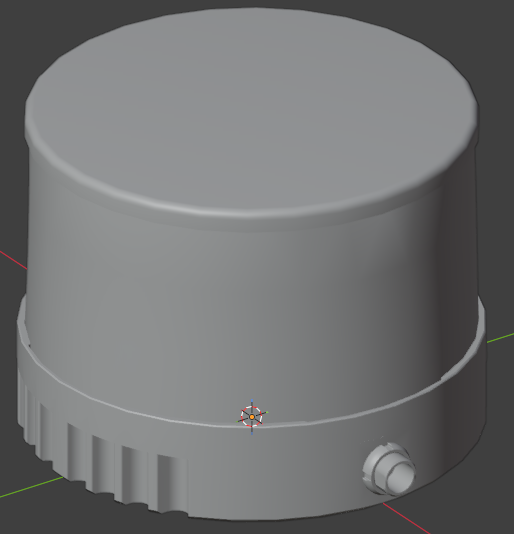
The Hesai XT32 Lidar is only supported as a mesh in robot.yaml.