SLAM
Simultaneous Localization And Mapping (SLAM) is a method of generating a map and tracking the robot's location within the map at the same time. It is generally done using laser scan data from a 2D LIDAR and the robot's odometry. For this demo we are using the slam_toolbox package to map our environment. This tutorial will use the Clearpath simulator, but will work on a physical robot too. We will be using a Husky A300 with a Hokuyo UST10 attached to the top of the robot.
See the sample robot.yaml for configuration details.
Make sure you have installed the simulator before starting this tutorial. Take a look at the installation guide for details.
Launching SLAM
See launch instructions for instructions on how to launch SLAM.
Building the map
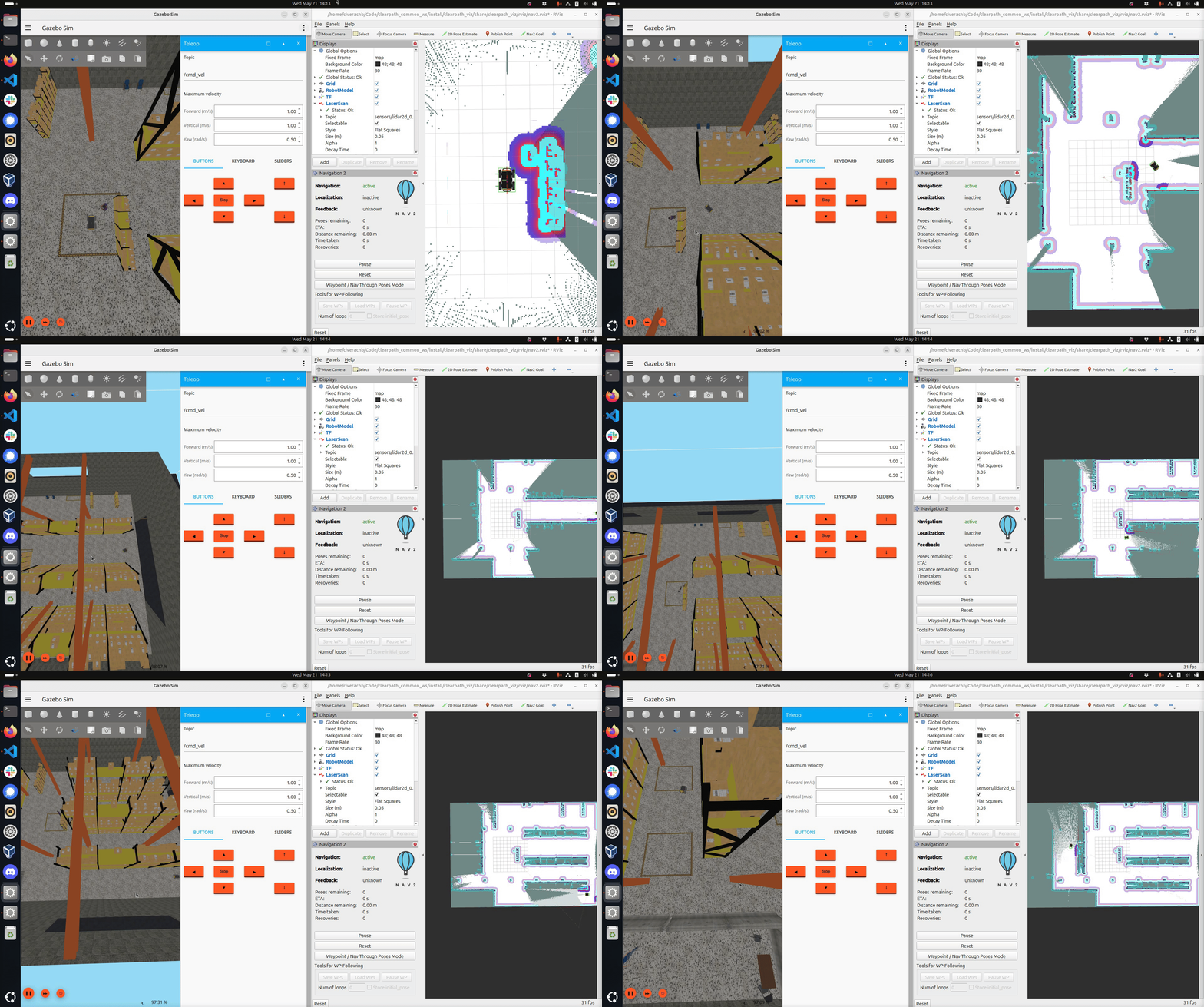
Drive the robot around the world. Ensure you have mapped the region you want the robot to navigate through autonomously.
Saving the map
To save the map, open a new terminal and run
ros2 run nav2_map_server map_saver_cli -f "map_name"
--ros-args -p map_subscribe_transient_local:=true -r __ns:=/a300_0000
Saving and resuming a pose graph
An occupancy map can't be used to continue mapping. To resume SLAM later, serialize the slam_toolbox pose graph while SLAM is running:
ros2 service call /a300_0000/slam_toolbox/serialize_map slam_toolbox/srv/SerializePoseGraph "{filename: '/path/to/posegraph'}"
Then launch SLAM in resume mode:
ros2 launch clearpath_nav2_demos slam.launch.py mode:=resume posegraph:=/path/to/posegraph
By default, the robot starts at the first node of the pose graph. To start somewhere else, set the
start_pose argument to the robot's x,y,yaw on the map, e.g. start_pose:=1.0,2.0,0.0.